Painter by Corel is a raster-based program that users can use to create digital art on Windows PCs. Corel is a major name in the graphical software industry and is well-known all over the world for its flagship product CorelDRAW. While Painter first saw commercialization during the early 90s, the new Corel Painter is now better than ever.
World-class tools
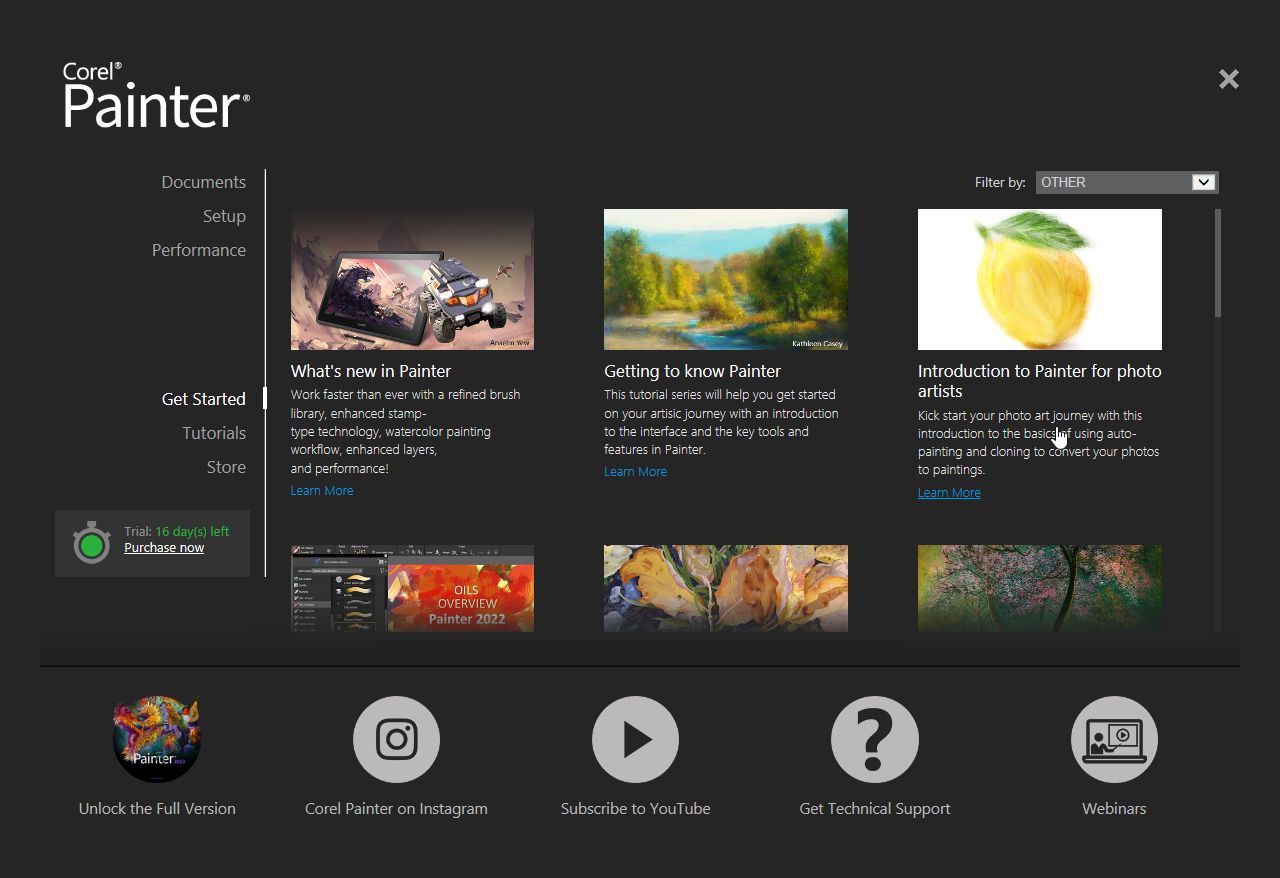
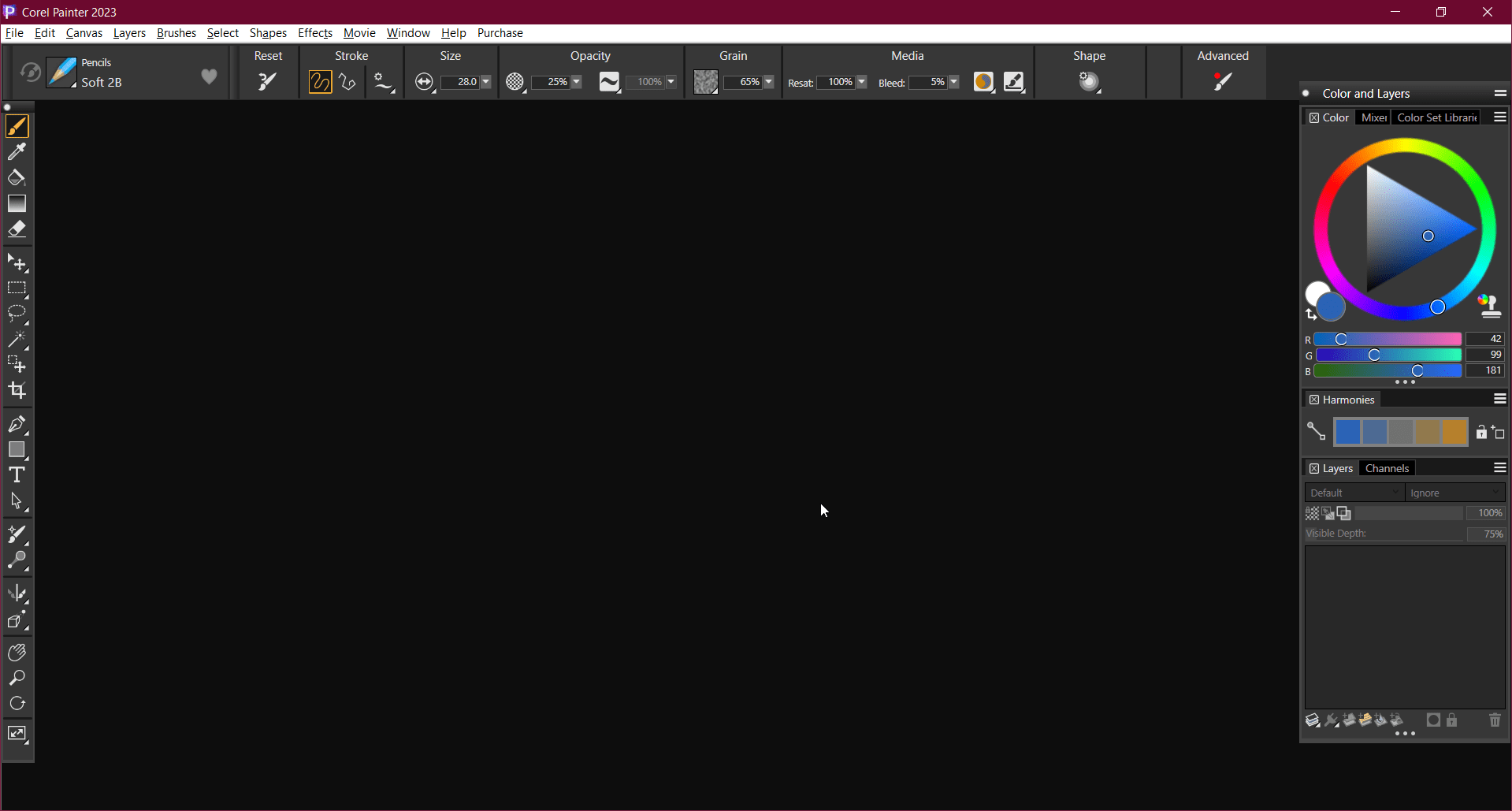
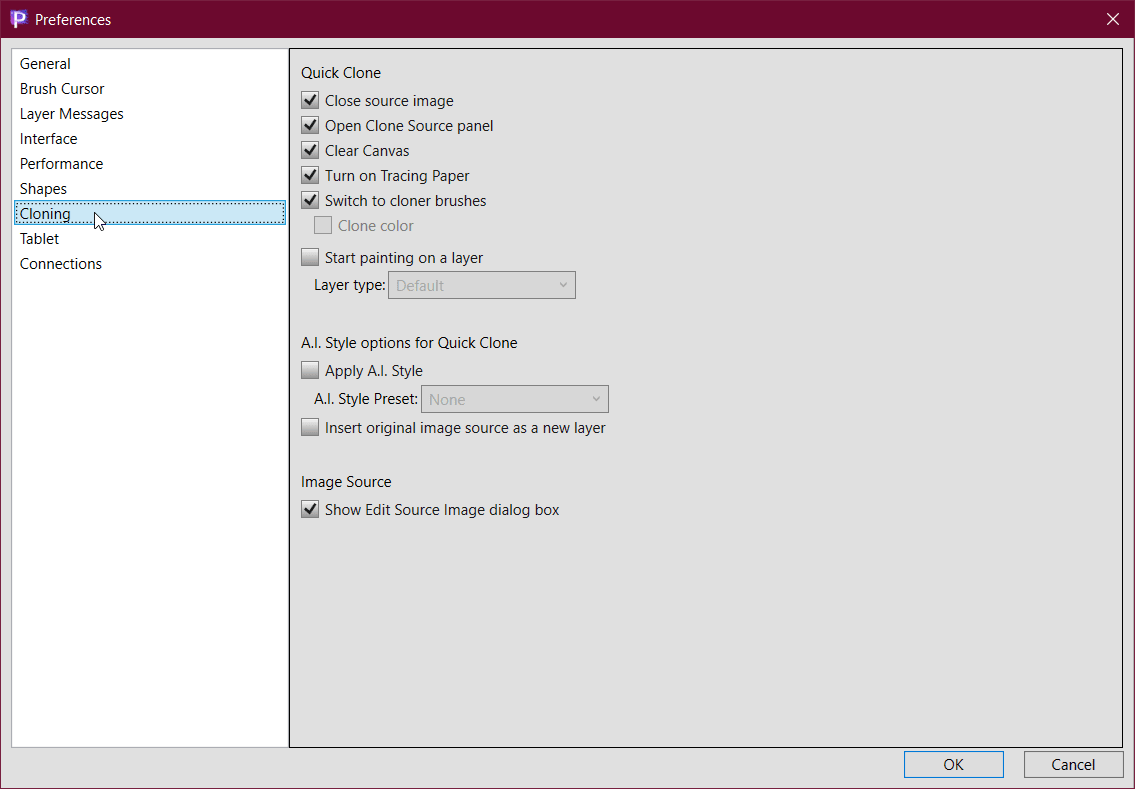
For a digital artist, tools are everything in a program. Corel Painter is stacked with an impressive collection of advanced tools, including composition tools, brushes, in-app learning, smart photo cloning, and so much more. If we listed every tool and feature, we would be here all day.For true professionals
Corel is one of the most popular names in the graphical software industry, and that is no mean feat. Just like other Corel programs, Painter is made for true professionals who are looking for the absolute best in digital art software. While it is equipped with the most advanced features, it also incorporates a traditional artsy experience and provides the best to digital artists, photographers, and illustrators.Compatibility, efficiency, and completeness
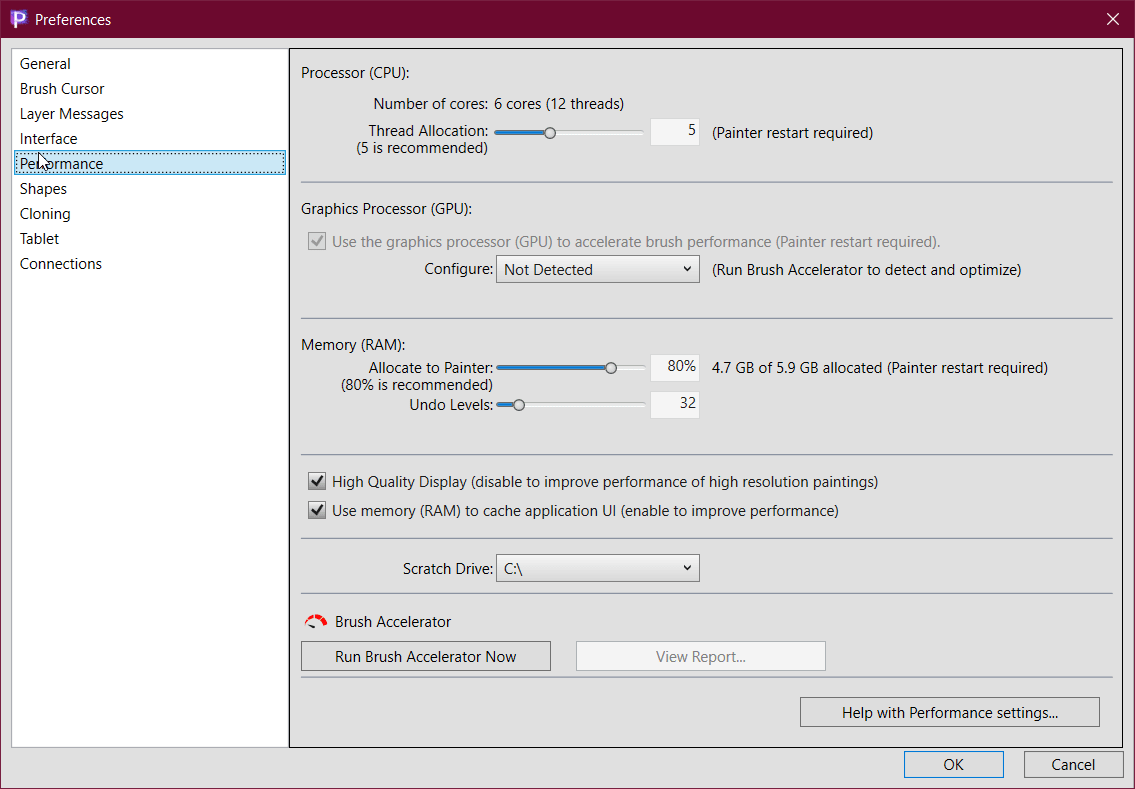
Corel Painter is a true example of an efficient and complete digital art program. Whether it is a basic feature such as a darker theme, compatibility with multi-core CPUs and newer architectures, or the sheer completeness of its toolset, Painter handles it efficiently.
With Corel Painter, you can use all the tools at your disposal to unleash and realize your true potential. The vision that you have today, you can execute it the same day on Painter. If you have a capable computer, the software will have no issues with performance and execution.A premium standard for digital artists
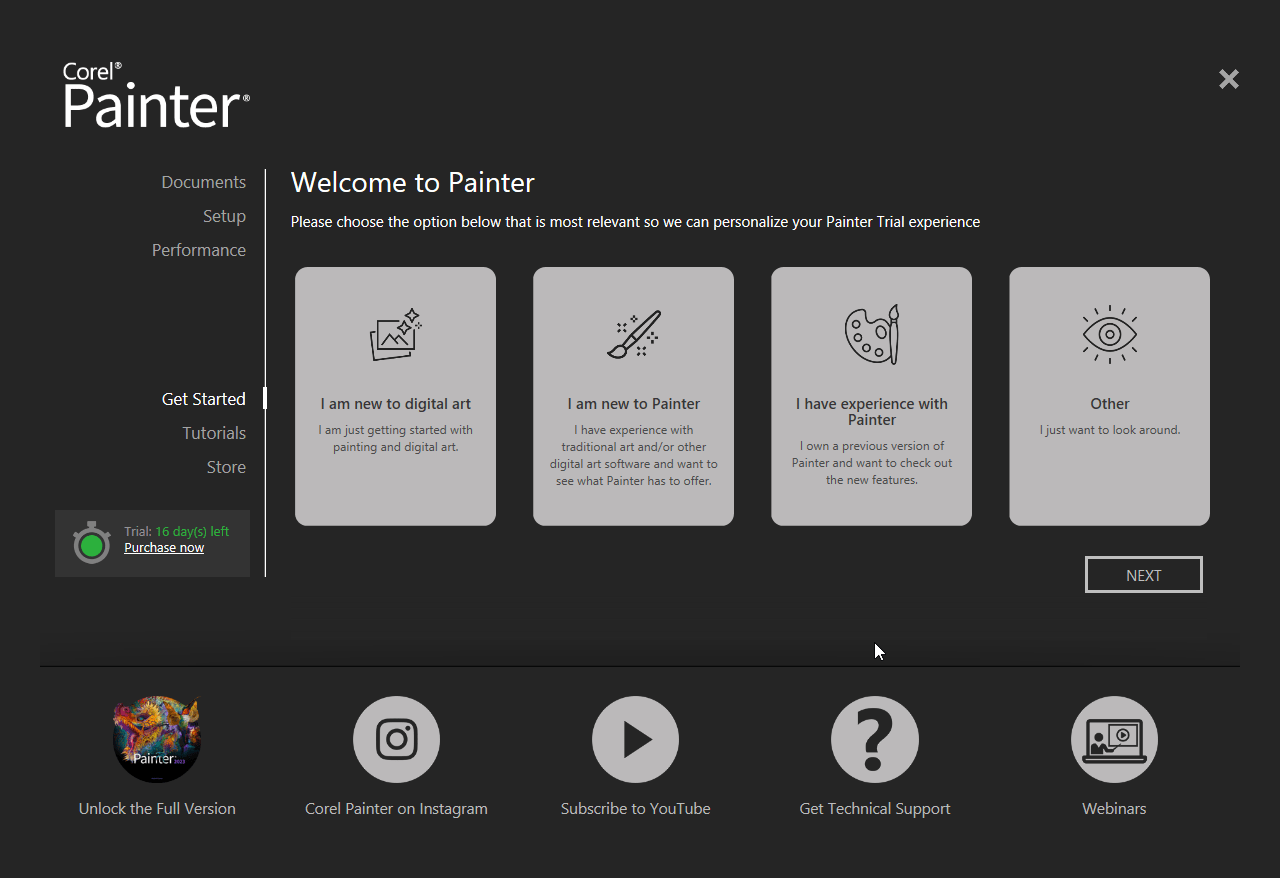
Corel Painter is a complete package filled with all the features any professional could need, on top of the incredible support that Corel provides with its applications. Of course, such expertise and efficiency in an application come at a cost. Fortunately, it offers a 16-day free trial that artists can use to evaluate if the program is suitable for them before buying the full version.